Install the MENANG KUAT App
MENANG KUAT is a web app: there is nothing to download from an app store. Add it to your home screen from the browser, then open it from the icon like any other app.
Android (Chrome)
- Open menangkuat.com in Chrome.
- Tap the ⋮ menu in the top-right corner.
- Tap "Install app" or "Add to Home screen".
- Tap "Install" to confirm. The MENANG KUAT icon will appear on your home screen.
iPhone (Safari)
- Open menangkuat.com in Safari (it must be Safari; other browsers cannot install it).
- Tap the Share button at the bottom (a square with an arrow pointing up).
- Scroll down and tap "Add to Home Screen".
- Tap "Add" in the top-right corner. The MENANG KUAT icon will appear on your home screen.
Reading this on a computer?
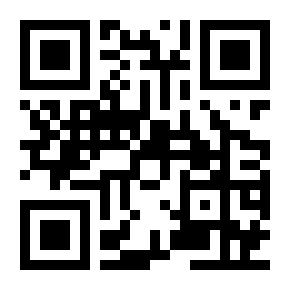
Scan the QR code below with your phone camera to open the site on your phone, then follow the steps above.